Description
The SIMNET RJ12 connection cable lets you connect SIMNET SP Pro pedals directly to a Thrustmaster wheelbase. This SIMNET RJ12 Thrustmaster cable is 2 m long, and the price is shown in Canadian dollars, currently reduced.
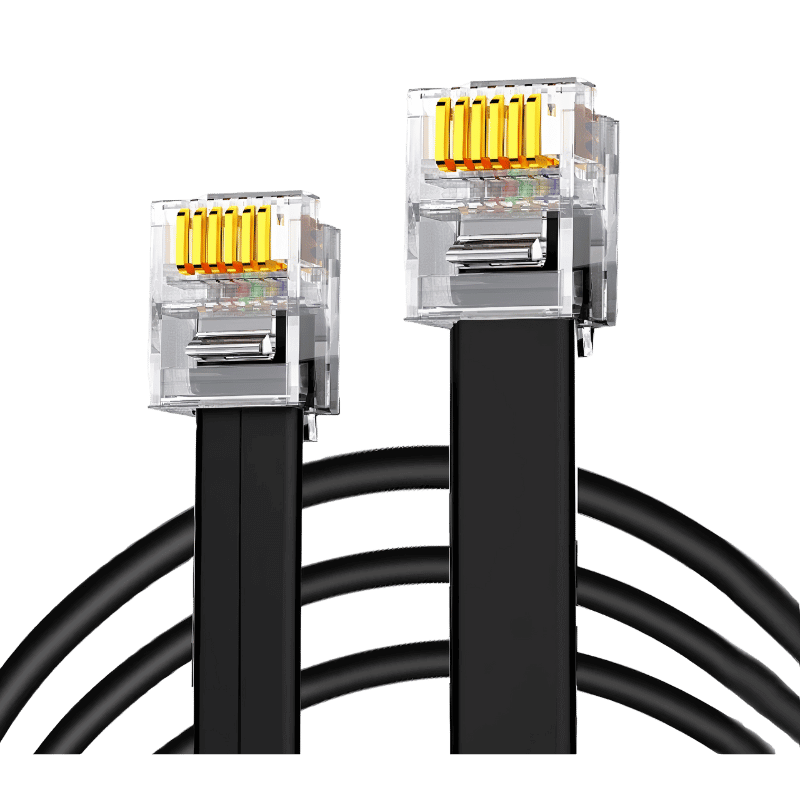
Why choose the SIMNET RJ12 Thrustmaster Cable (SP Pro)?
With the cable connected, your Thrustmaster base recognizes the SP Pro pedals as native equipment, so you can use them through the base rather than a separate USB connection.
It uses shielded copper cable with reinforced 6-pin RJ12 connectors and is plug and play, with no software needed once your pedals are configured. Console compatibility for PS4, PS5 and Xbox depends on your Thrustmaster base model.
SIMNET RJ12 Thrustmaster Cable (SP Pro) key features
- Connects SP Pro pedals to Thrustmaster bases
- 2 m length
- Shielded copper cable
- Reinforced 6-pin RJ12 connectors
- Plug and play
- Pedals recognized as native equipment
Specifications
| Type | RJ12 (SIMNET to Thrustmaster) |
|---|---|
| Length | 2 m |
| Construction | Shielded copper, reinforced 6-pin connectors |
| Compatibility | SIMNET SP Pro pedals, compatible Thrustmaster bases |
| Consoles | Depends on Thrustmaster base model |
How to configure your pedals
Connect your SP Pro pedals to your PC via USB and open Sim Connect Manager. Go to Pedals, Miscellaneous, Analog output settings, activate all channels and set the output range to 0.5 V to 2.9 V (non-inverted).
Save the settings, disconnect from the PC and connect the pedals to the Thrustmaster base with the RJ12 cable. The base will recognize the pedals as native equipment.
This cable is for SP Pro pedals; SP Evo pedals use the enhanced eRJ12-T cable instead.
Check your Thrustmaster base’s console compatibility before relying on it for PlayStation or Xbox.
Shielded copper cable helps protect the analog signal from interference, which keeps pedal inputs smooth and stable.
Setting up your SIMNET RJ12 Thrustmaster Cable (SP Pro)
First configure the analog output in Sim Connect Manager as described above. Then connect one end of the cable to your SP Pro pedals and the other to the pedal port on your Thrustmaster base, and calibrate in your game.
Who the SIMNET RJ12 Thrustmaster Cable (SP Pro) suits
It suits SIMNET SP Pro owners with Thrustmaster bases, console racers using a compatible base, and anyone who needs a SIMNET RJ12 Thrustmaster cable.
Complete your setup
These picks work well alongside the SIMNET RJ12 Thrustmaster Cable (SP Pro):
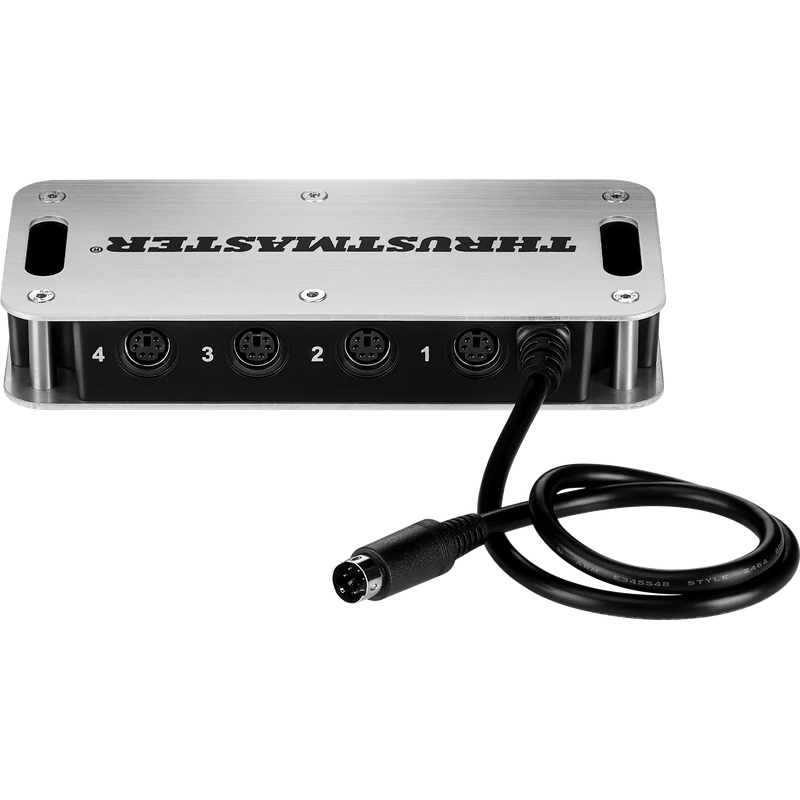 Thrustmaster TM Sim Hub – $69.99 CAD
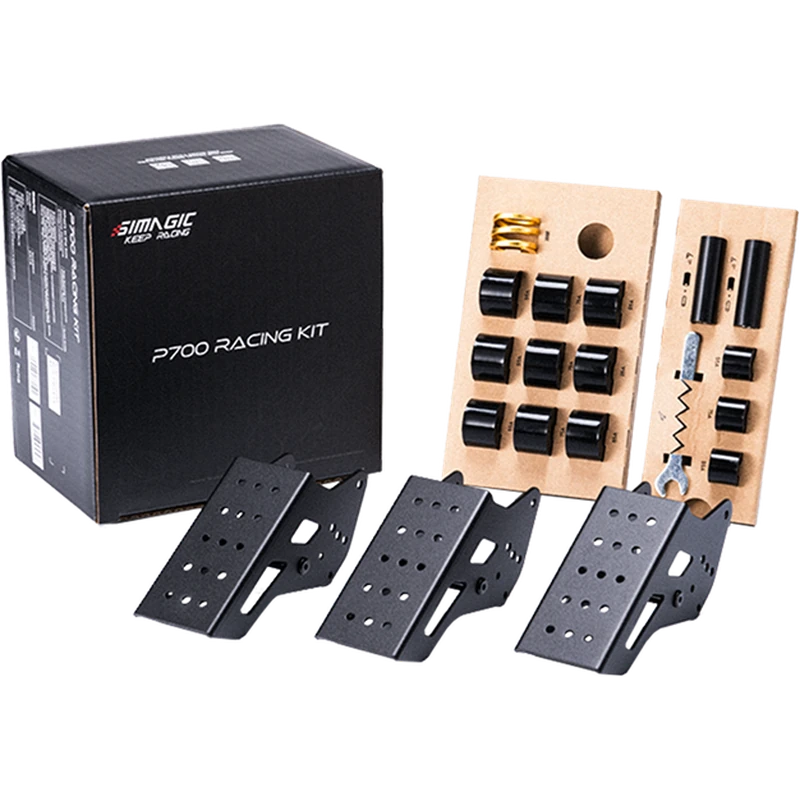 SIMAGIC P700 Racing Kit (for P700 Pedals) – $49.00 CAD
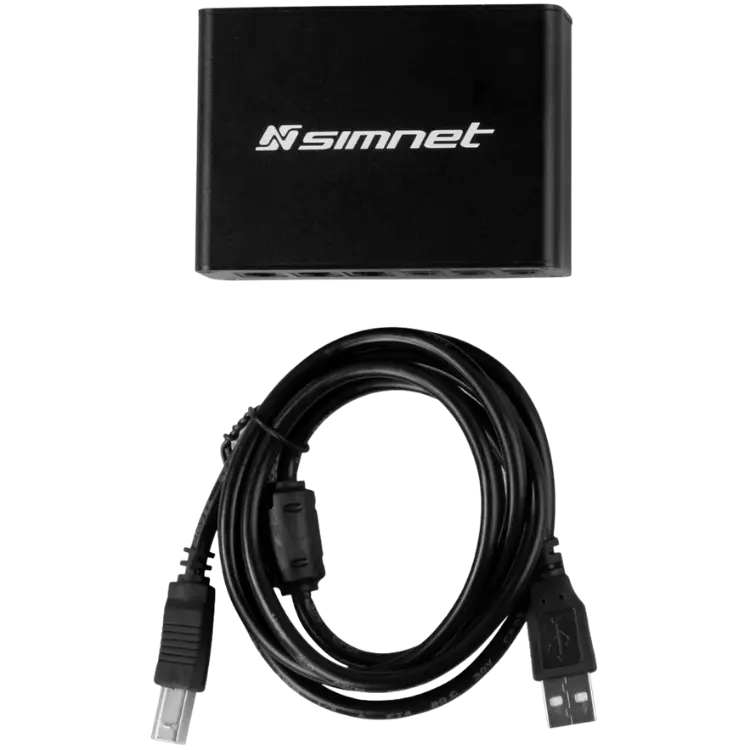 SIMNET Haptics Control Box – $80.10 CAD
All prices at North Gaming PCs are shown in Canadian dollars, so the $9.90 listed for the SIMNET RJ12 Thrustmaster Cable (SP Pro) needs no currency conversion. Check the specifications and compatibility notes above before you order, and compare it with similar sim racing accessories in our catalogue.
North Gaming PCs is a Canadian store for gaming PCs, sim racing and flight sim gear. Every product page lists the key specifications, compatibility notes and price in Canadian dollars, so you can compare options and build a setup that suits your space, budget and favourite games.
SIMNET RJ12 Thrustmaster Cable (SP Pro) FAQ
What does the SIMNET RJ12 Thrustmaster cable do?
It connects SIMNET SP Pro pedals to a Thrustmaster wheelbase.
How long is it?
2 m.
Does it work with SP Evo pedals?
No. SP Evo pedals use the eRJ12-T cable.
Does it need software?
It is plug and play after configuring analog output in Sim Connect Manager.
Does it work on PS5?
Console compatibility depends on your Thrustmaster base model.
What output range should I set?
0.5 V to 2.9 V, non-inverted, with all channels active.
Is it shielded?
Yes. It uses shielded copper cable.
Is it plug and play?
Yes, once analog output is configured in Sim Connect Manager.
For using SP Pro pedals on a Thrustmaster base, the SIMNET RJ12 Thrustmaster cable is the simple solution. Browse more Sim Racing accessories at North Gaming PCs, and find manuals, firmware and software on the official Thrustmaster website.