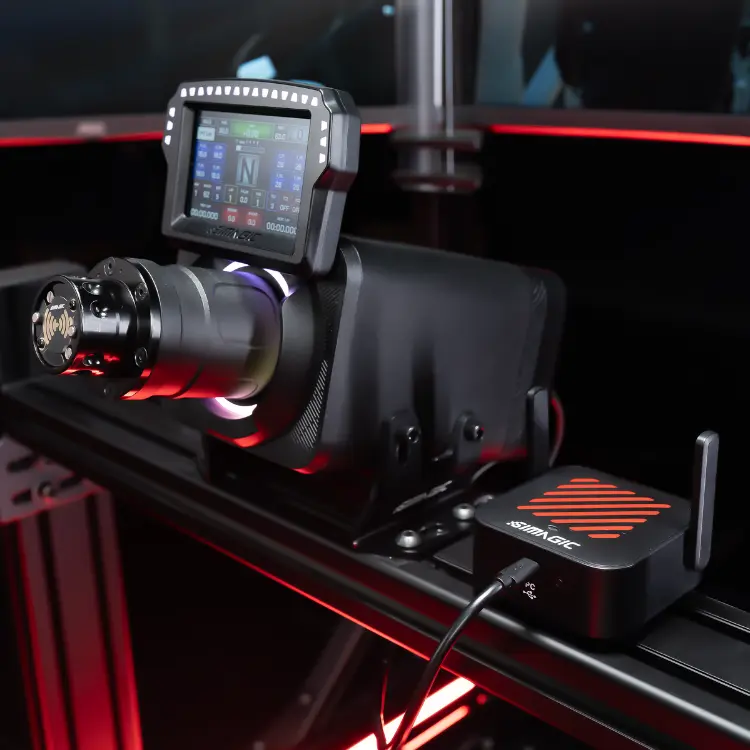
Description
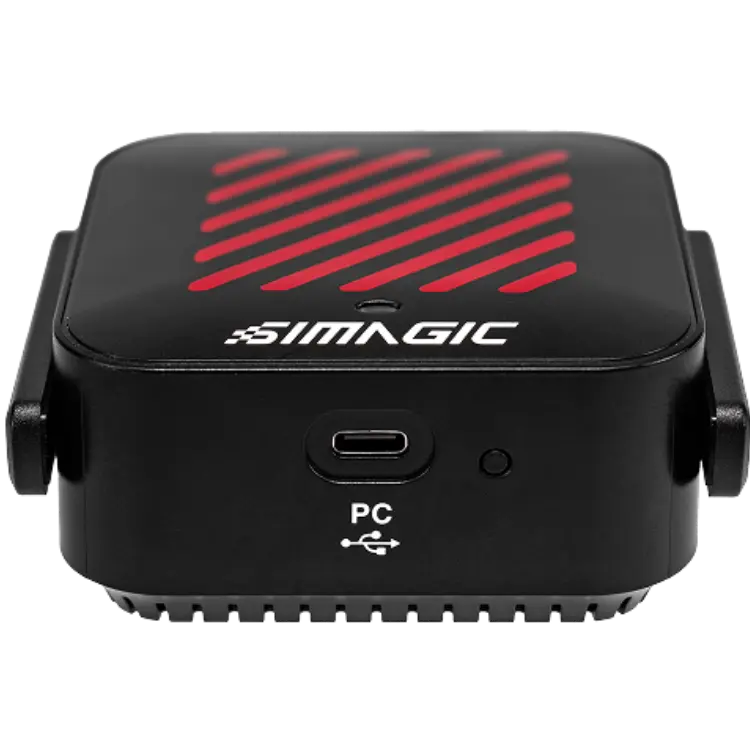
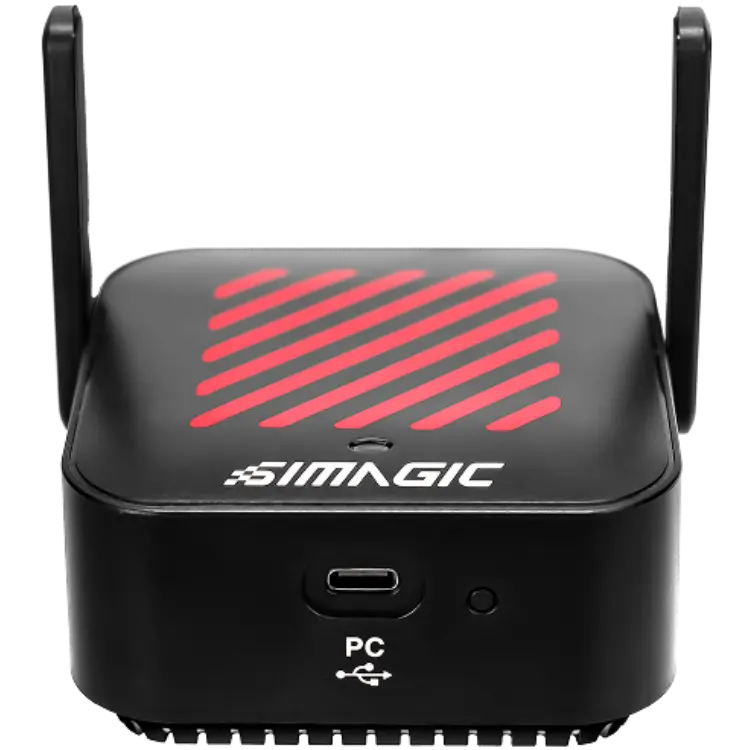
The SIMAGIC AirLink is a wireless alternative to the MagLink Pro, a self-developed wireless solution engineered for racing simulators rather than adapted from generic consumer Wi-Fi. The price is shown in Canadian dollars.
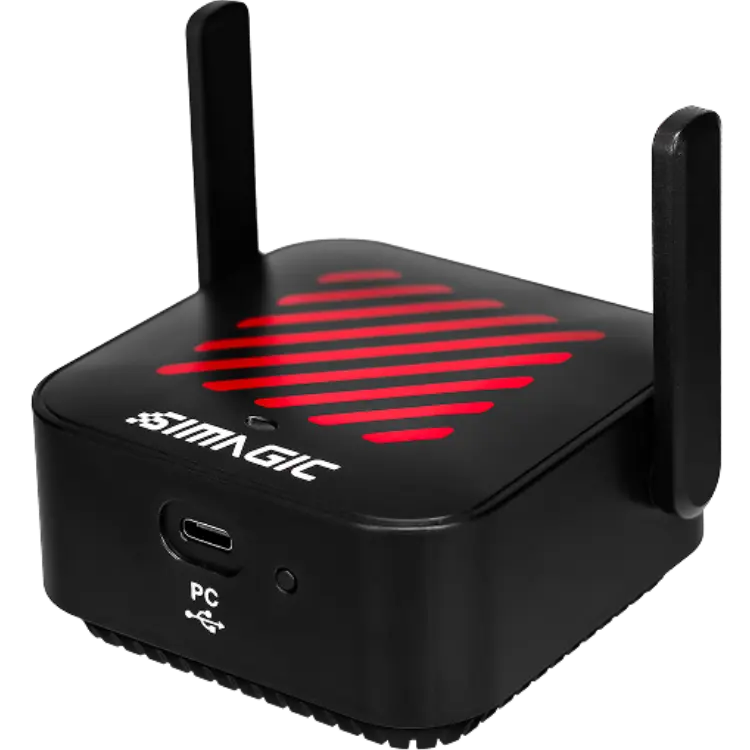
Why choose the SIMAGIC AirLink Wireless System?
The SIMAGIC AirLink plugs into your PC via USB-C and immediately scans for nearby SIMAGIC devices when SimPro Manager is open. No pairing process, no manual configuration and no driver installation are needed.
Once connected, your MagicDash 4 or Zeus series wheel communicates wirelessly at high bandwidth with the low latency needed for real-time telemetry, RPM light response and touchscreen input.
SIMAGIC AirLink Wireless System key features
- Wireless link for SIMAGIC devices
- USB-C connection to PC
- Automatic scanning in SimPro Manager
- No pairing or drivers needed
- 2.4 GHz and 5.8 GHz Wi-Fi plus Bluetooth
- Velcro mounting pad included
Specifications
| Connection | USB-C to PC |
|---|---|
| Wireless | 2.4 GHz and 5.8 GHz Wi-Fi, Bluetooth |
| Compatible devices | MagicDash 4, Zeus series wheels |
| Mounting | Velcro pad |
| Software | SimPro Manager |
Getting the best signal
The only installation requirement is clear line of sight between the AirLink and the steering wheel, with no metal obstruction in the signal path.
The included Velcro pad lets you position the unit anywhere on your rig or desk that gives a clear view of the wheel.
Supporting both Wi-Fi bands and Bluetooth gives the flexibility to keep a stable signal across different cockpit setups.
A wireless link keeps the cockpit clean and the experience responsive.
A clean cockpit without coiled cables makes wheel swaps faster and keeps the rig looking tidy.
High bandwidth and low latency keep telemetry, RPM lights and touch input feeling instant.
Setting up your SIMAGIC AirLink Wireless System
Plug the AirLink into your PC via USB-C, open SimPro Manager and let it detect your MagicDash 4 or Zeus wheel. Mount the unit with the Velcro pad where it has clear line of sight to the wheel.
Who the SIMAGIC AirLink Wireless System suits
It suits MagicDash 4 and Zeus wheel owners, drivers who want a cable-free cockpit, and anyone choosing the SIMAGIC AirLink over a wired hub.
Complete your setup
These picks work well alongside the SIMAGIC AirLink Wireless System:
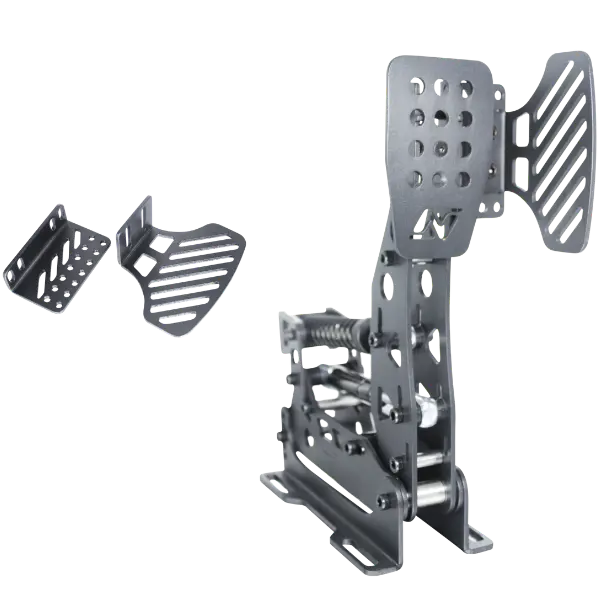 SIMNET A-PPS Pedal Plate Side Support (for SP Pro & SP Evo Pedals) – $26.10 CAD
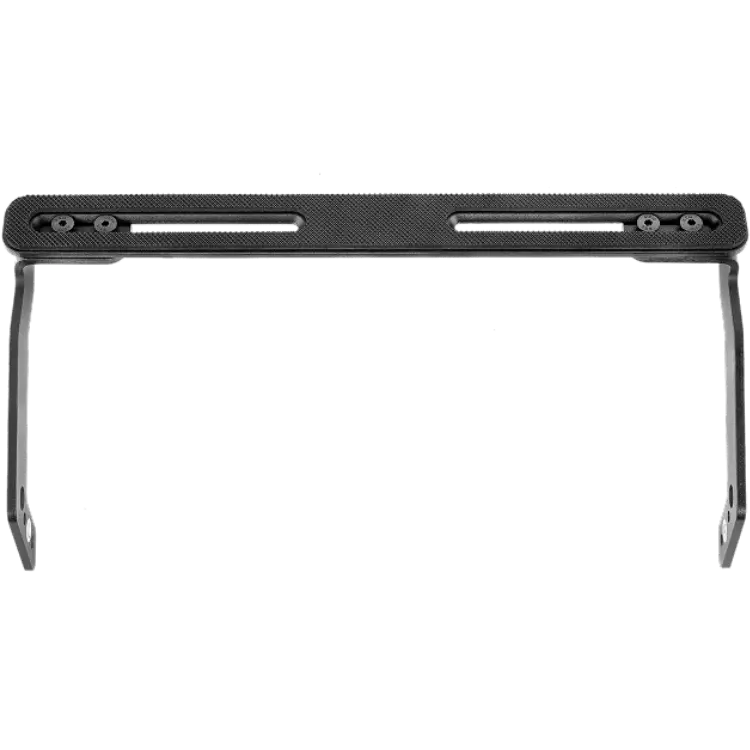 SIMAGIC P700-WM Wall Mount for P700 Pedals – $28.00 CAD
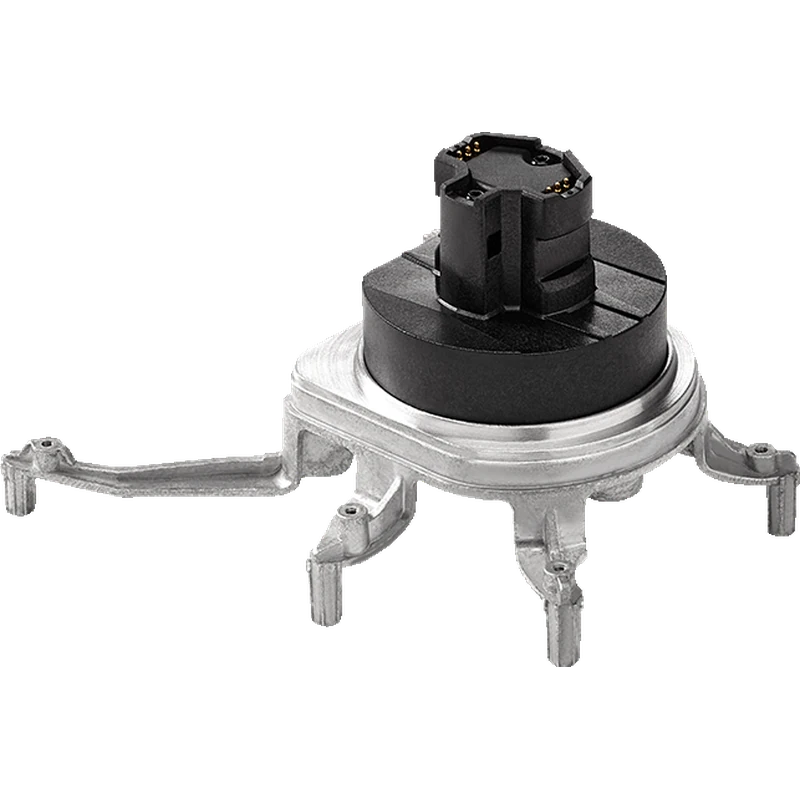 Thrustmaster Quick Release Upgrade SF1000 – $59.99 CAD
All prices at North Gaming PCs are shown in Canadian dollars, so the $65.00 listed for the SIMAGIC AirLink Wireless System needs no currency conversion. Check the specifications and compatibility notes above before you order, and compare it with similar sim racing accessories in our catalogue.
North Gaming PCs is a Canadian store for gaming PCs, sim racing and flight sim gear. Every product page lists the key specifications, compatibility notes and price in Canadian dollars, so you can compare options and build a setup that suits your space, budget and favourite games.
SIMAGIC AirLink Wireless System FAQ
What does the SIMAGIC AirLink do?
It provides a wireless connection between your PC and SIMAGIC devices.
Do I need to pair it?
No. It scans automatically when SimPro Manager is open.
Which devices does it support?
The MagicDash 4 and Zeus series wheels.
Which wireless standards does it use?
2.4 GHz and 5.8 GHz Wi-Fi plus Bluetooth.
How do I mount it?
With the included Velcro pad.
Does it need line of sight?
Yes. Keep a clear path to the wheel with no metal obstruction.
Is it an alternative to MagLink Pro?
Yes. It is a wireless alternative.
Does it need drivers?
No. No driver installation is required.
For a clean, wireless connection to your SIMAGIC wheel and dash, the SIMAGIC AirLink is easy to set up. Browse more Sim Racing accessories at North Gaming PCs, and find manuals, firmware and software on the official SIMAGIC website.