Description
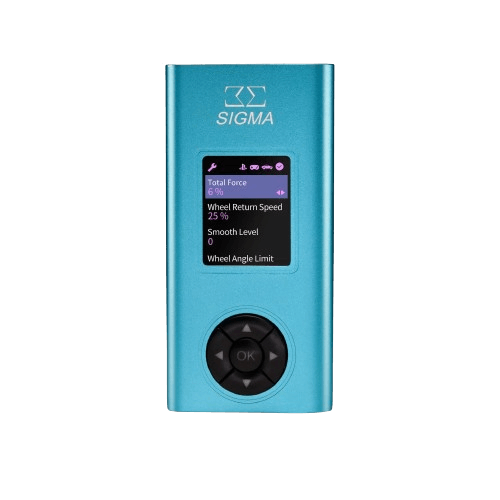
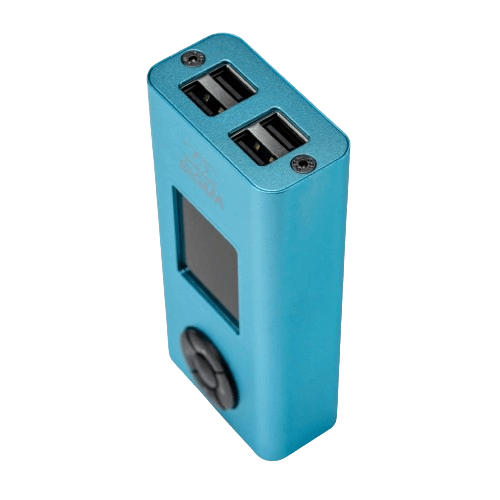
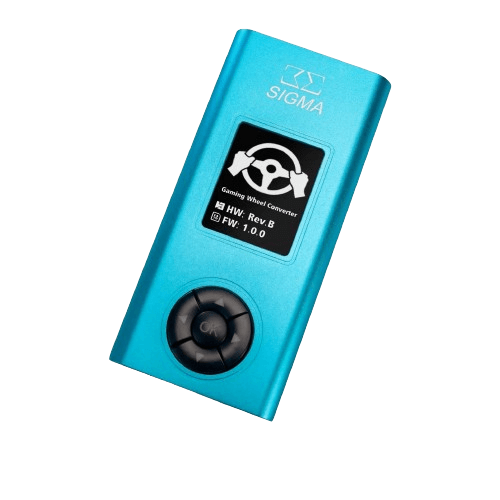
The Sigma Cortex Converter is a SIMAGIC-validated adapter that lets supported SIMAGIC hardware work with Sony consoles. Please note that this converter is not expected to come back in the near future. The price is shown in Canadian dollars.
Why choose the Sigma Cortex Converter?
It supports PS4 and PS5, along with all SIMAGIC bases and SIMAGIC wheels. That opens up PlayStation racing for drivers who own SIMAGIC equipment.
Supported peripherals include SIMAGIC P1000 and P2000 pedals, the DS-8X H-pattern shifter and the Q1 and Q1s sequential shifters. Other brands are not supported.
Sigma Cortex Converter key features
- Adapter for PS4 and PS5
- SIMAGIC-validated
- Supports all SIMAGIC bases and wheels
- Supports P1000 and P2000 pedals
- Supports DS-8X and Q1/Q1s shifters
- Other brands not supported
Specifications
| Consoles | PS4, PS5 |
|---|---|
| Bases and wheels | All SIMAGIC |
| Pedals | P1000, P2000 |
| Shifters | DS-8X, Q1, Q1s |
| Availability | Not expected to return soon |
Availability of the Sigma Cortex
The Sigma Cortex Converter is not expected to be restocked in the near future. This page remains for reference so owners and shoppers can check compatibility details.
If you race on PlayStation and own SIMAGIC equipment, contact North Gaming PCs for current alternatives.
For PC racing, SIMAGIC hardware connects directly without a converter.
Console racing has its own requirements, because PlayStation only accepts approved devices. A validated adapter bridges that gap for supported SIMAGIC hardware, so you could use the same wheel, pedals and shifters on PC and PlayStation.
If you are planning a new setup today, consider whether you will race mainly on PC or console, and choose hardware with native support for your platform. Our team can help you compare options.
Supported SIMAGIC wheels and bases keep working on PC without any converter, so the hardware stays fully usable even without this adapter. Check with us before buying console-specific accessories.
Setting up your Sigma Cortex Converter
Connect the converter to your PS4 or PS5 and to your supported SIMAGIC base, then connect compatible pedals and shifters as described in the manual. Configure your controls in the game’s settings.
Who the Sigma Cortex Converter suits
It suits PlayStation racers who own SIMAGIC bases, wheels, pedals and shifters, and anyone checking Sigma Cortex compatibility.
Complete your setup
These picks work well alongside the Sigma Cortex Converter:
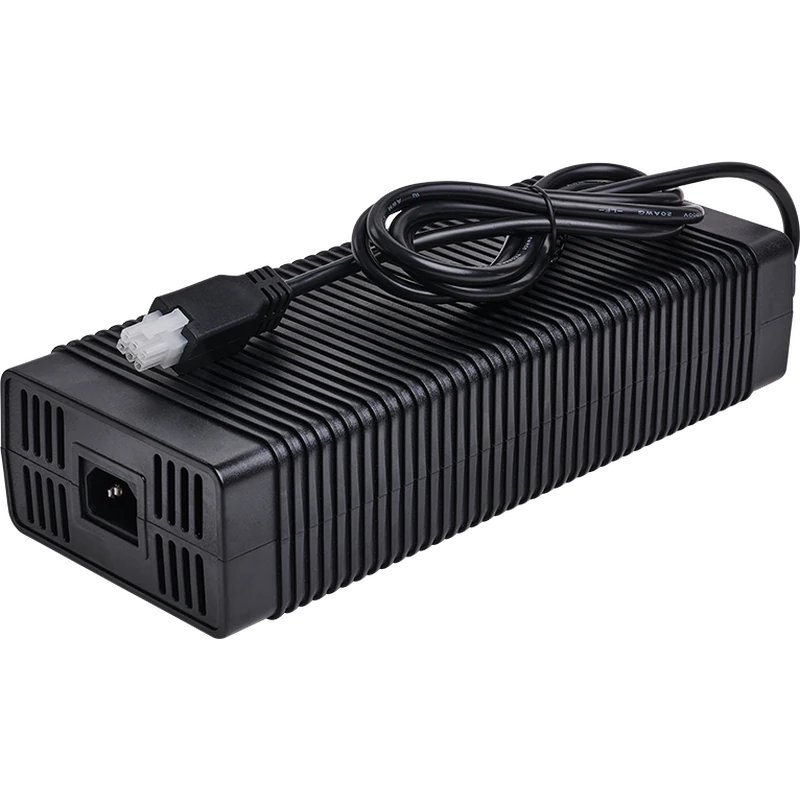 Asetek Racing La Prima Wheelbase Boost Kit (16Nm) – $219.00 CAD
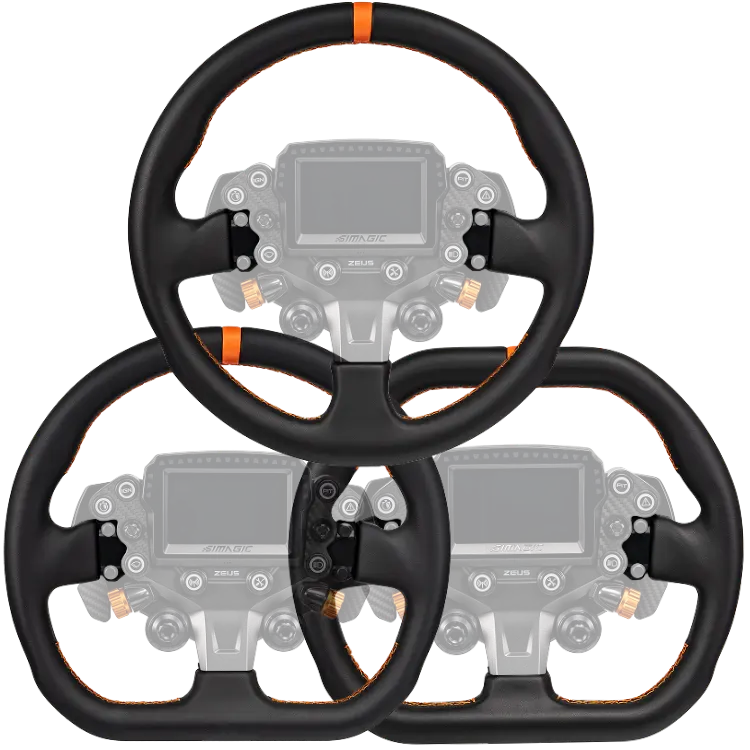 SIMAGIC Zeus Sport Interchangeable Rims – $125.00 CAD
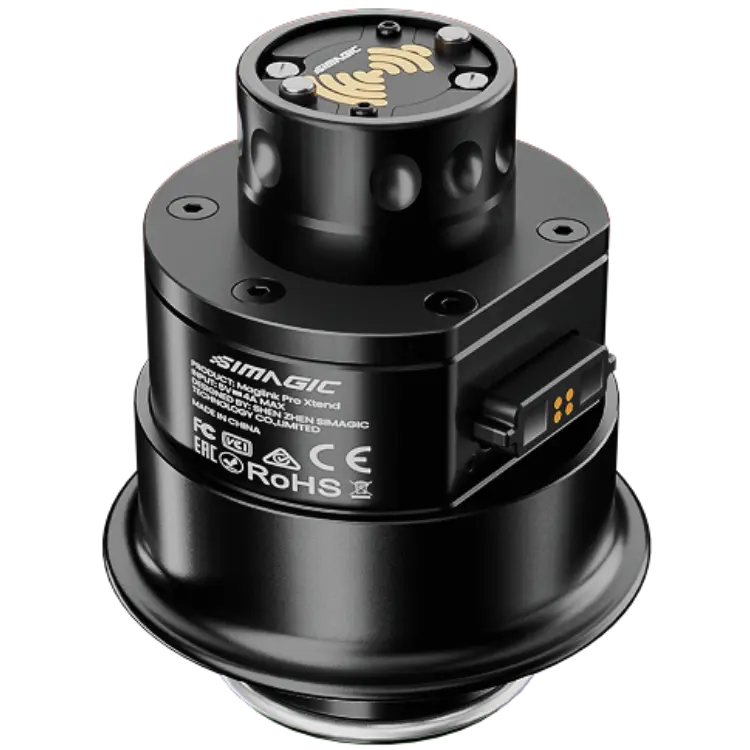 SIMAGIC Maglink Pro Extend – Magnetic Cable Hub for Sim Racing Steering Wheels – $119.00 CAD
All prices at North Gaming PCs are shown in Canadian dollars, so the $173.00 listed for the Sigma Cortex Converter needs no currency conversion. Check the specifications and compatibility notes above before you order, and compare it with similar sim racing accessories in our catalogue.
North Gaming PCs is a Canadian store for gaming PCs, sim racing and flight sim gear. Every product page lists the key specifications, compatibility notes and price in Canadian dollars, so you can compare options and build a setup that suits your space, budget and favourite games.
Sigma Cortex Converter FAQ
Is the converter available?
It is not expected to come back in the near future.
Which consoles does it support?
PS4 and PS5.
Which SIMAGIC products are supported?
All SIMAGIC bases and wheels, P1000 and P2000 pedals, and the DS-8X, Q1 and Q1s shifters.
Does it support other brands?
No. Other brands are not supported.
Do I need it on PC?
No. SIMAGIC hardware connects to PC directly.
Is it validated by SIMAGIC?
Yes. It is a SIMAGIC-validated adapter.
Can I use pedals from other brands?
No. Only the listed SIMAGIC pedals and shifters are supported.
Does it support the P1000?
Yes. SIMAGIC P1000 and P2000 pedals are supported.
For compatibility details on this SIMAGIC-validated PlayStation adapter, this page lists everything it supports. Browse more Sim Racing accessories at North Gaming PCs, and find manuals, firmware and software on the official SIMAGIC website.