Description
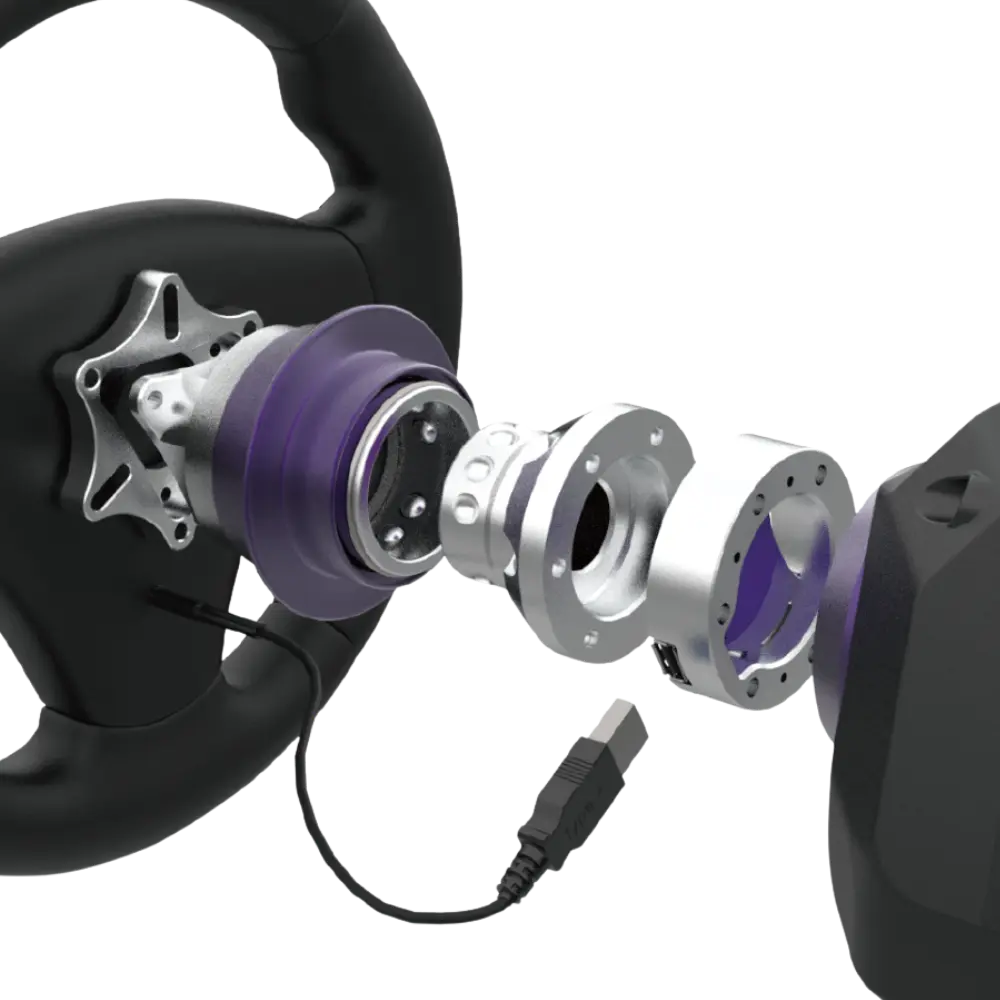
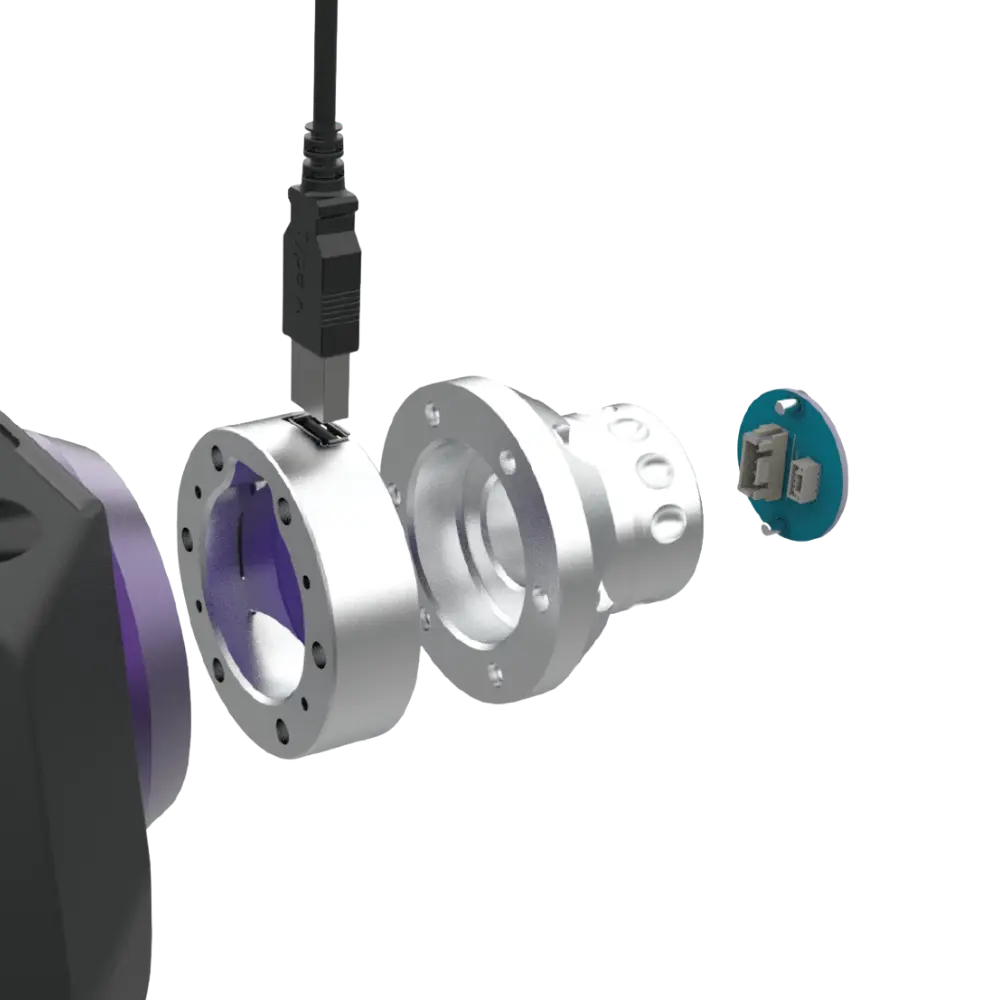
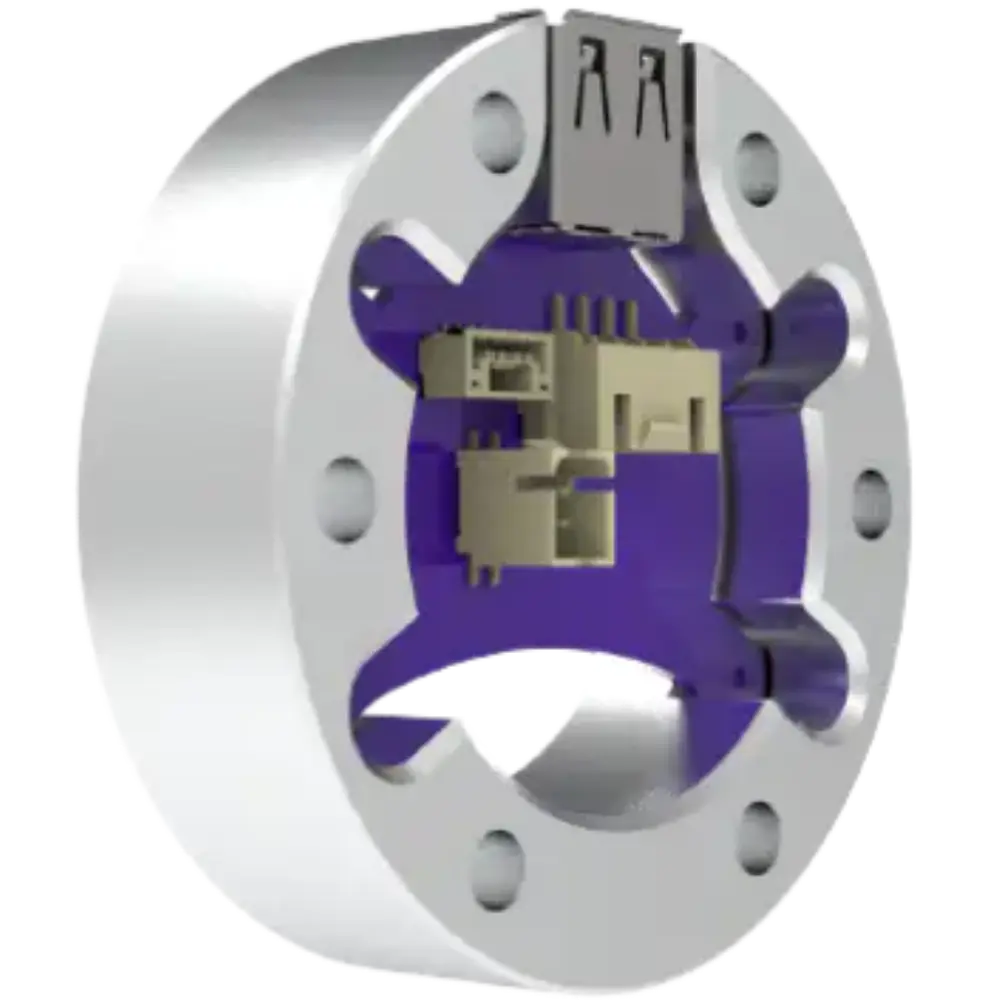
The CONSPIT Universal USB-A Adapter Spacer mounts to the front shaft of your CONSPIT ARES base and adds an integrated USB-A port with a built-in USB Refresher chip. This CONSPIT USB adapter lets you plug a USB steering wheel directly into the base, and the price is shown in Canadian dollars.
Why choose the CONSPIT USB Adapter Spacer (USB-A)?
Normally a USB wheel’s cable must run back through your rig to a PC port, dragging and twisting with every steering input. Longer cables are also more susceptible to signal noise and power issues.
With the adapter, the wheel’s cable plugs straight in, rotates with the shaft and transmits data through the ARES base’s high-durability slip ring to the PC. No cable routing, no external adapters and no clutter.
CONSPIT USB Adapter Spacer (USB-A) key features
- Mounts to the ARES front shaft
- Integrated USB-A port
- Built-in USB Refresher chip
- Data through the ARES slip ring
- Works with CONSPIT and third-party USB wheels
- No cable routing needed
Specifications
| Port | USB-A |
|---|---|
| Chip | USB Refresher |
| Compatibility | CONSPIT ARES bases |
| Wheels | USB-enabled rims |
Why use a CONSPIT USB adapter?
Whether you use a CONSPIT wheel, a third-party formula wheel or any other USB rim, the adapter puts the port at the closest possible point to the wheel.
The USB Refresher chip helps keep the connection stable, which matters for wheels with displays and many inputs.
Removing the long cable run also reduces wear and keeps your rig tidy.
It is a small part that solves a genuinely annoying problem.
A shorter cable run also reduces the chance of a wheel cable catching on your legs or seat during big steering inputs.
Setting up your CONSPIT USB Adapter Spacer (USB-A)
Fit the spacer to the front of your ARES base shaft following CONSPIT’s instructions, mount your wheel and plug its USB cable into the adapter’s port. Check the wheel is detected on your PC.
Who the CONSPIT USB Adapter Spacer (USB-A) suits
It suits ARES owners using USB wheels, drivers with third-party formula rims, and anyone who wants a clean cable setup with a CONSPIT USB adapter.
Complete your setup
These picks work well alongside the CONSPIT USB Adapter Spacer (USB-A):
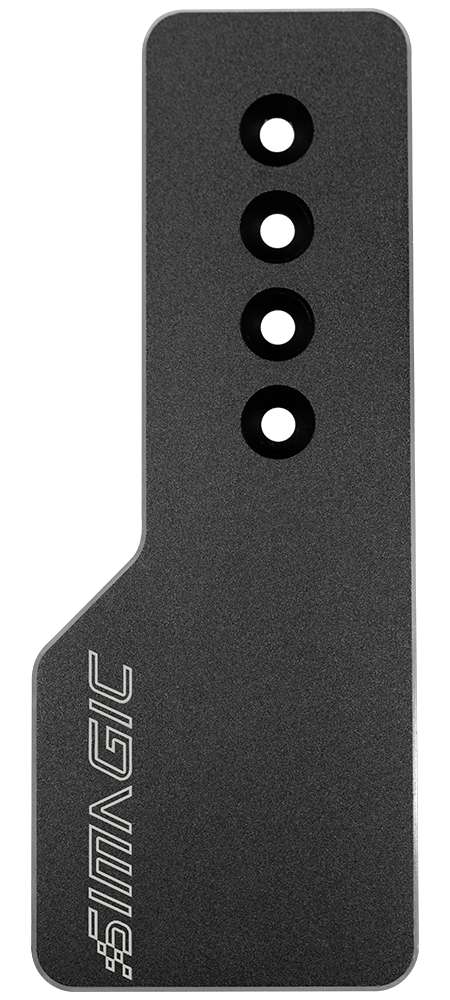
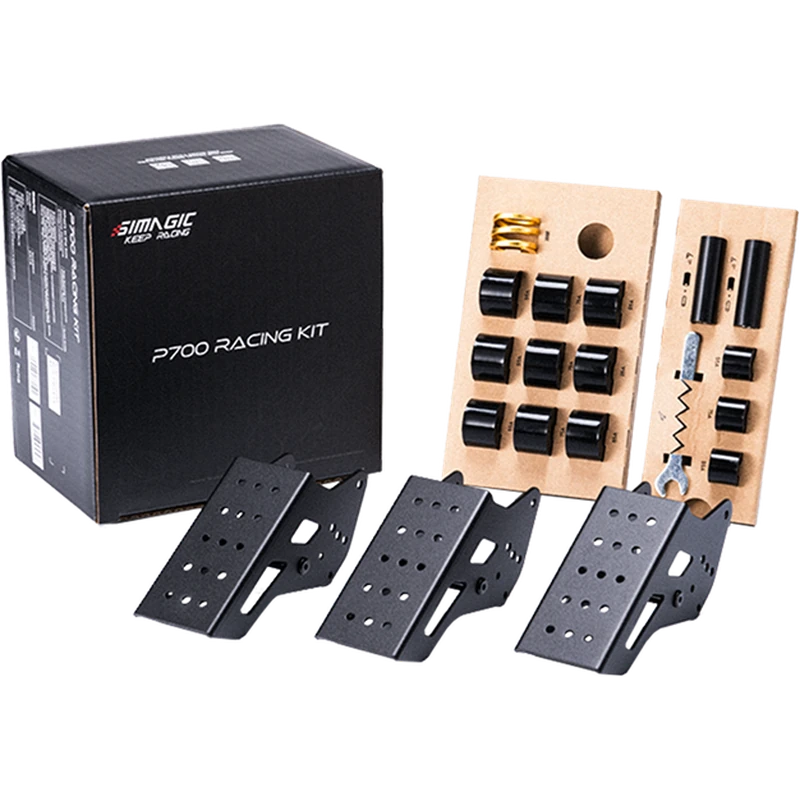 SIMAGIC P700 Racing Kit (for P700 Pedals) – $49.00 CAD
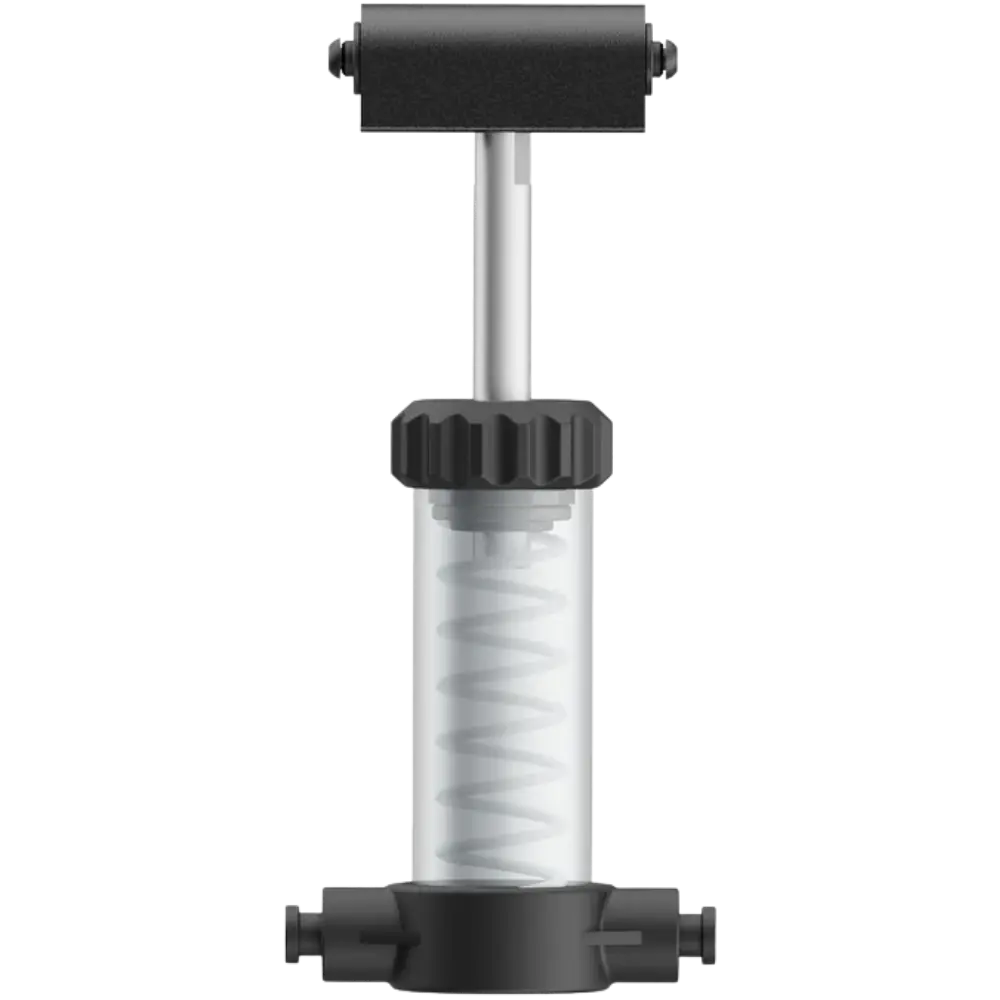 MOZA SRP Lite2 Throttle/Clutch Performance kit – $37.90 CAD
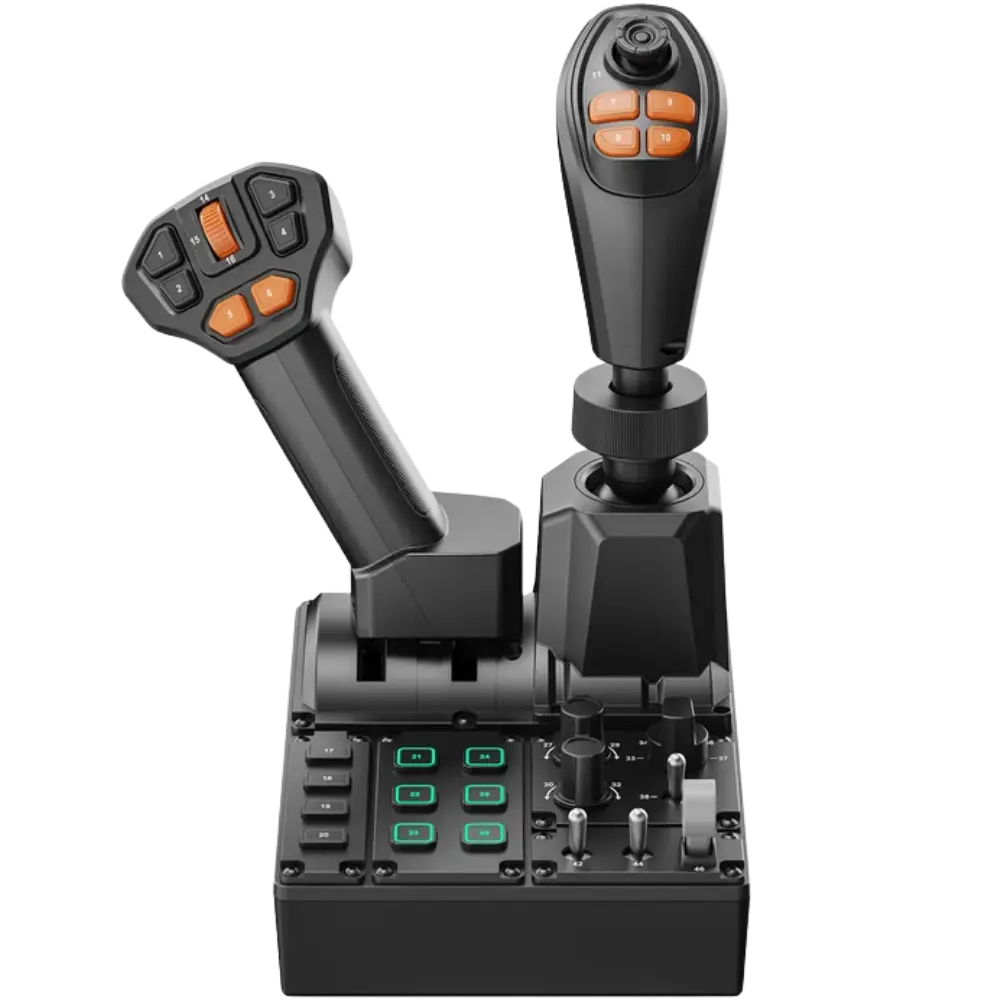 MOZA FCS – Farming Control System – $279.00 CAD
All prices at North Gaming PCs are shown in Canadian dollars, so the $49.00 listed for the CONSPIT USB Adapter Spacer (USB-A) needs no currency conversion. Check the specifications and compatibility notes above before you order, and compare it with similar sim racing accessories in our catalogue.
North Gaming PCs is a Canadian store for gaming PCs, sim racing and flight sim gear. Every product page lists the key specifications, compatibility notes and price in Canadian dollars, so you can compare options and build a setup that suits your space, budget and favourite games.
CONSPIT USB Adapter Spacer (USB-A) FAQ
What does the CONSPIT USB adapter do?
It adds a USB-A port on the ARES shaft so USB wheels connect through the base.
How does data reach my PC?
Through the ARES base’s built-in slip ring.
What is the USB Refresher chip?
A built-in chip that supports a stable USB connection.
Does it work with third-party wheels?
Yes. Any USB-enabled rim can plug in.
Which bases does it fit?
CONSPIT ARES bases.
Does it reduce cable clutter?
Yes. No cable needs to run back to your PC.
Will the cable twist?
No. It rotates with the shaft.
Do I need an external adapter?
No. The port is integrated into the spacer.
For clean, stable USB wheel connections on ARES bases, the CONSPIT USB adapter is a clever accessory. Browse more Sim Racing accessories at North Gaming PCs, and find manuals, firmware and software on the official CONSPIT website.