The RTX 5090 graphics card is NVIDIA’s fastest consumer GPU, built for 4K at very high frame rates, high-end VR, demanding simulators and serious creative work. It is also expensive, large and power hungry, so it is not the right choice for everyone. This guide explains what the RTX 5090 graphics card does better than anything else, what it needs from the rest of your PC, and who should consider a slightly cheaper card instead.
The RTX 5090 is available as an upgrade in our configurable gaming PC, priced in Canadian dollars and covered by our 2-year warranty. If you are unsure which option suits you, our team is happy to compare specifications with you and suggest a setup that fits your space, budget and plans.

RTX 5090 graphics card specs
NVIDIA launched the RTX 5090 in January 2025. It is a big step up from the rest of the RTX 50 series:
- CUDA cores: 21,760, roughly double the RTX 5080.
- Video memory: 32GB of GDDR7 on a wide 512-bit bus.
- Board power: about 575 W, with NVIDIA recommending a 1,000 W power supply.
- Connector: a single 16-pin 12V-2×6 power connector.
- Features: DLSS 4 with Multi Frame Generation, fifth-generation Tensor cores and fourth-generation RT cores.
You can see the full specification table on NVIDIA’s RTX 50 series page.
Gaming performance
An RTX 5090 graphics card is the fastest way to play at 4K. It runs nearly every game at maximum settings with high frame rates, including path-traced titles once DLSS is enabled. It is typically 25 to 35 percent faster than the RTX 4090 in traditional rendering, and much more once Multi Frame Generation is switched on in supported games.
At 1440p, even this GPU can be held back by the processor in some titles, so it makes the most sense for 4K, super ultrawide or multi-monitor setups. Buying an RTX 5090 graphics card for a 1080p monitor wastes most of its potential.
Who needs a 5090 graphics card?
The flagship is worth considering if you:
- Play at 4K with a 144 Hz or faster monitor and want maximum settings.
- Race on triple 1440p or triple 4K monitors.
- Use a high resolution VR headset for sim racing or flight sim.
- Work with 3D rendering, 8K video, large AI models or other jobs that fill video memory.
If none of these apply, an RTX 5080 or RTX 5070 Ti gives you a superb gaming experience for far less.
Why 32GB of VRAM matters
The 32GB of memory on the RTX 5090 graphics card is far more than any game needs today. For gaming alone, 16GB is plenty. The extra memory matters most for creators and for running local AI tools, where models and datasets must fit in video memory to run quickly. It also gives VR and triple-screen setups plenty of headroom for high resolution textures.
Power, heat and size
This is the area where the flagship asks the most of your build. At around 575 W, the card produces a lot of heat, so plan for:
- Power supply: a quality 1,000 W to 1,200 W unit with a native 12V-2×6 cable. Do not use adapters or extension chains.
- Case: a full or large mid-tower with strong front intake airflow and space for a long, thick card.
- Cooling: at least three intake fans and good exhaust, especially in warm rooms.
- Connector care: push the 16-pin plug in fully and avoid tight bends near the card.
In our configurator you can choose the power supply and cooling alongside the RTX 5090 graphics card, so the build is planned as a whole.
RTX 5090 for sim racing and flight sim
For simulation, the flagship removes compromises. Triple 4K monitors, VR headsets with very high resolution panels and maximum graphics settings in iRacing, Assetto Corsa Competizione and Le Mans Ultimate all become realistic. Microsoft Flight Simulator also scales well, with dense photogrammetry cities and detailed cockpits staying smooth.
If you have already invested in a premium direct drive wheelbase and cockpit, an RTX 5090 graphics card lets the visuals match the hardware.
Is it worth it over the RTX 5080?
The RTX 5090 is much faster than the RTX 5080, often by 40 to 50 percent at 4K, and it has double the memory. It also costs roughly twice as much and needs a bigger power supply and case. For a single 4K gaming monitor, the RTX 5080 is the better value. For VR, triple 4K and creative workloads, the 5090 graphics card earns its price.
Alternatives to consider
- RTX 5080: excellent 4K gaming with 16GB of memory at about half the cost.
- RTX 5070 Ti: the value champion for 1440p and entry 4K.
- An older RTX 4090: still very fast, but with older features and no Multi Frame Generation.
Creative and AI workloads
Many buyers choose an RTX 5090 graphics card as much for work as for play. The 32GB of video memory lets 3D artists render bigger scenes on the GPU, lets video editors work with 8K timelines and heavy effects, and lets developers run larger local AI models without splitting them across system memory. The fifth-generation Tensor cores add support for FP4 precision, which speeds up compatible AI tools.
For these users, the RTX 5090 graphics card can pay for itself in saved time. For gaming alone, that extra memory is simply headroom.
How to protect your investment
A flagship card deserves a stable home. Use a quality power supply from a reputable brand, keep the 16-pin cable straight for the first few centimetres, and support heavy cards with the anti-sag bracket many models include. Keep dust filters clean, update drivers regularly, and monitor temperatures in the first few weeks.
Every RTX 5090 graphics card we build into a PC is installed, cable-managed and tested before it ships, and the whole system is covered by our 2-year warranty, so you can enjoy it without the stress of building around a 575 W part yourself.
Our picks for a flagship build
Choose the RTX 5090 as an upgrade on our configurable gaming PC, and complete the setup with:
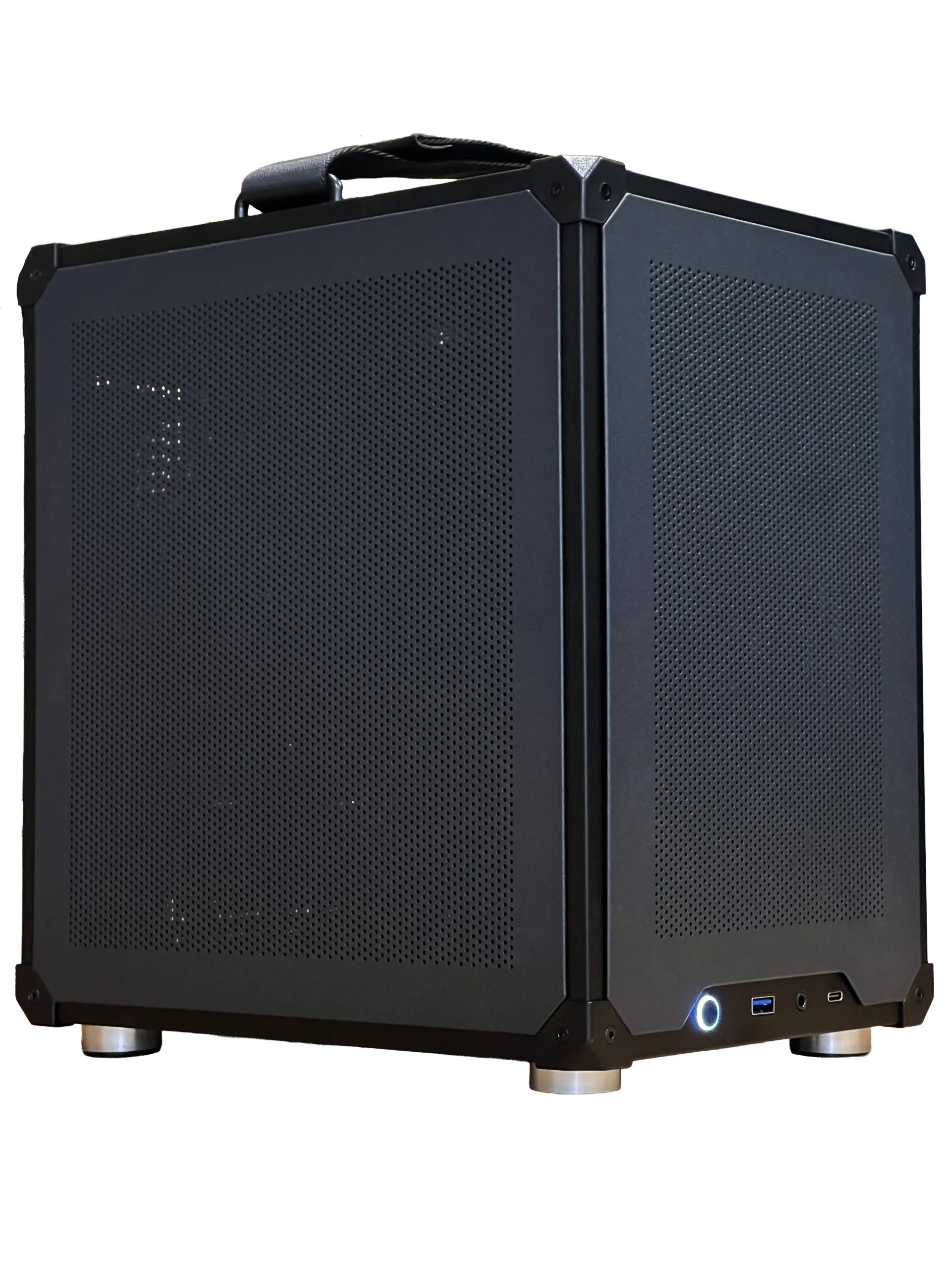
- Ready-to-ship gaming PC: a faster, more affordable option if you do not need flagship power.
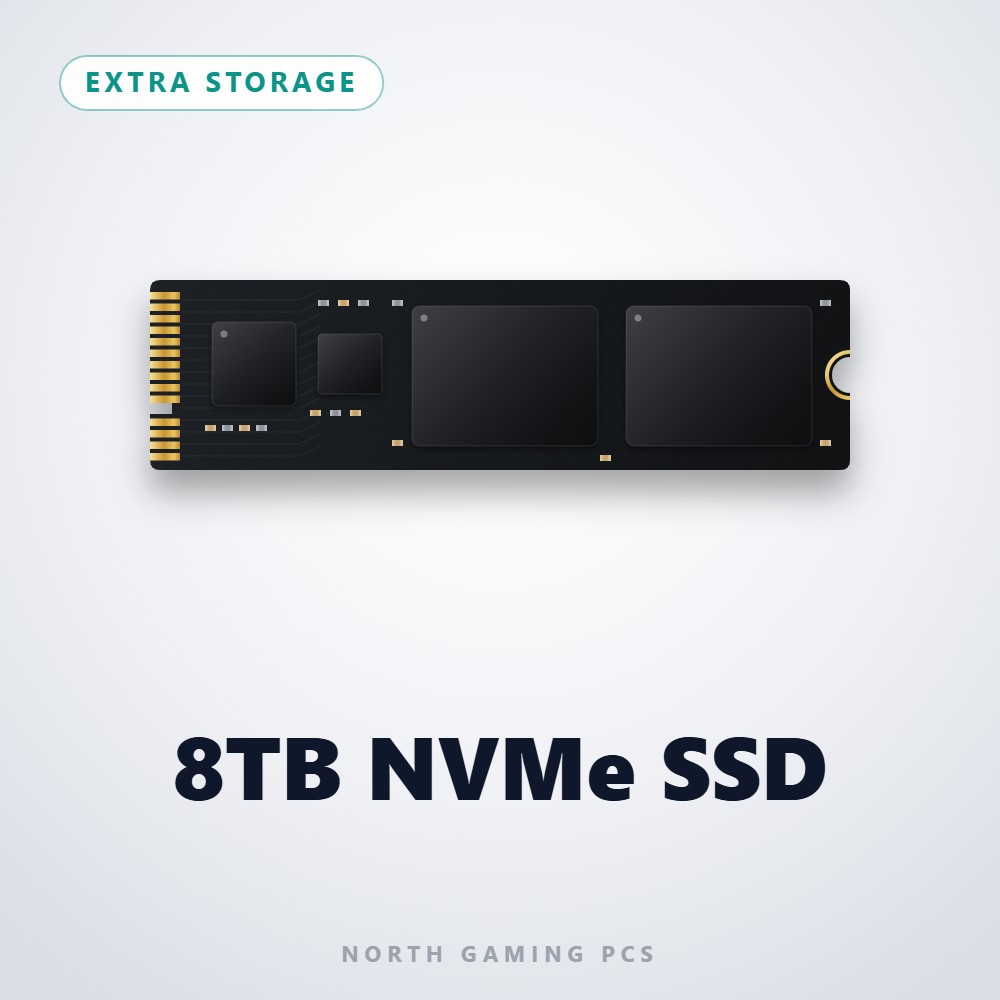
- 8TB NVMe SSD: space for a huge 4K game and simulator library.
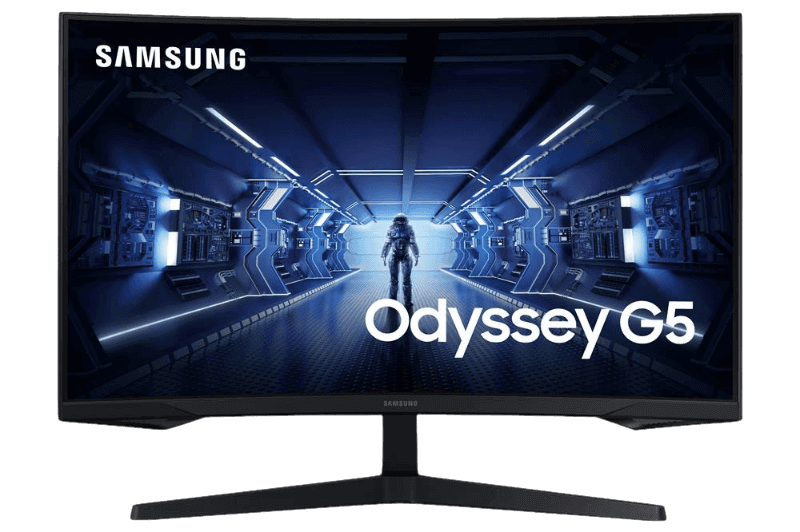
- Samsung 32-inch Odyssey G5: a large curved 1440p monitor with a high refresh rate.
RTX 5090 FAQ
What power supply does an RTX 5090 need?
NVIDIA recommends at least 1,000 W. We suggest a quality 1,000 W to 1,200 W unit with a native 16-pin cable.
Is the RTX 5090 good for 1440p?
It is extremely fast at 1440p, but the processor can limit it. It is best used for 4K, VR and multi-monitor setups.
How long is the RTX 5090?
Lengths vary by model, but many exceed 300 mm and occupy three or more slots, so check your case first.
Will it fit a small form factor PC?
A few compact models exist, but most need a full-size case for both the card and the airflow it requires. Small builds are better suited to an RTX 5070 Ti.
Should you buy an RTX 5090 graphics card?
Buy the RTX 5090 graphics card if you want the very best for 4K, VR, triple screens or creative work, and you are ready for its power and cooling needs. Otherwise, the RTX 5080 or RTX 5070 Ti offers better value. Configure a gaming PC with the card you need, or contact us for help.