The RTX 5060 Ti is one of the most popular graphics cards for new gaming PCs, and for good reason. It offers modern features, low power draw and strong 1080p performance, with enough muscle for 1440p in most games. It also comes in two memory sizes, 8GB and 16GB, and choosing the right one matters more than most buyers realise. This guide explains the difference and helps you decide if the card fits your games.
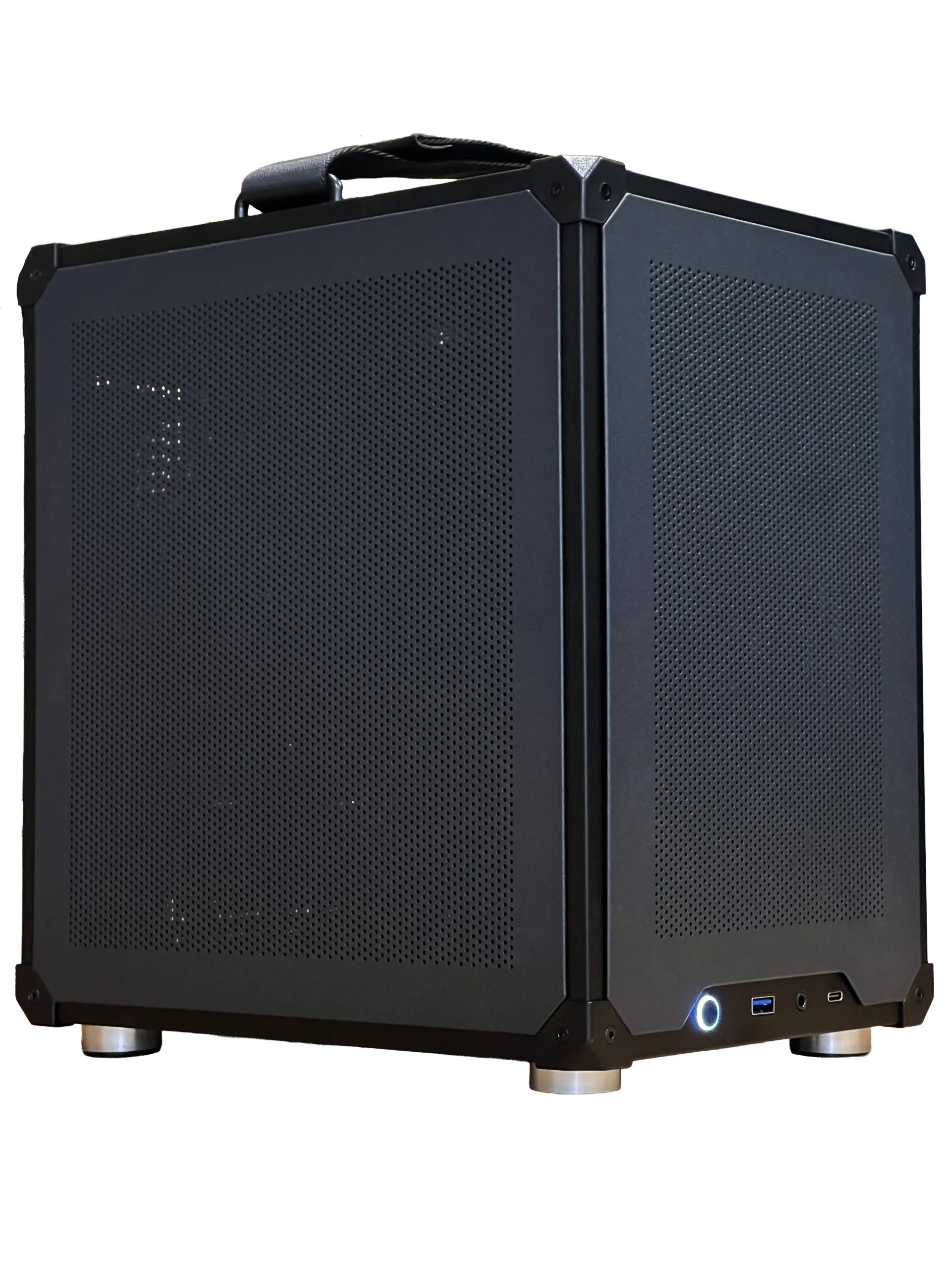
Our ready-to-ship gaming PC uses the RTX 5060 Ti 16GB, and you can also choose it in our configurable PC. Every price is in Canadian dollars and every build carries our 2-year warranty. Our team can also help with setup questions after your order arrives, so you can get everything configured properly and enjoy your upgrade from the first day.
RTX 5060 Ti specs
NVIDIA released the RTX 5060 Ti in April 2025. Both versions share the same graphics chip:
- CUDA cores: 4,608 on the Blackwell architecture.
- Video memory: 8GB or 16GB of GDDR7 on a 128-bit bus.
- Board power: about 180 W, so a quality 650 W power supply is plenty.
- Interface: PCIe 5.0 x8, also compatible with PCIe 4.0 slots.
- Features: DLSS 4 with Multi Frame Generation, NVIDIA Reflex and AV1 encoding.
You can compare the family on NVIDIA’s RTX 50 series page.
8GB vs 16GB: the important choice
The two versions have the same speed in games that fit in 8GB. The difference appears when a game needs more video memory. Several recent releases already ask for more than 8GB at high texture settings, and when that happens the 8GB card stutters, loads blurry textures or loses a lot of performance.
The 16GB RTX 5060 Ti avoids that problem entirely. It costs a little more, but it lets you use high textures in new games and keeps the card relevant for longer. For most buyers, especially anyone who plays new AAA games, the 16GB model is the one to get. The 8GB version only makes sense if you mainly play esports titles and want to save money.
How the RTX 5060 Ti performs
At 1080p, the RTX 5060 Ti delivers high frame rates at high or ultra settings in most games, which makes it a great match for a 144 Hz or 165 Hz monitor. Competitive games such as Valorant, Counter-Strike 2 and Fortnite run at very high frame rates.
At 1440p, the 16GB version handles most games at high settings, with DLSS helping in the heaviest titles. It is not a 4K card for demanding games, but it can play older and lighter titles at 4K. Compared with the RTX 4060 Ti it replaces, it is faster and gains Multi Frame Generation.
DLSS 4 on a mid-range card
DLSS matters even more on mid-range hardware. Super Resolution renders at a lower resolution and upscales the image, often adding 30 to 60 percent more frames with very little visual loss. Multi Frame Generation can multiply smoothness further in supported single-player games.
Together, these features let the RTX 5060 Ti enable ray tracing in games where it would otherwise be too heavy. Keep frame generation off in shooters, where responsiveness matters more than smoothness.
Building a PC around an RTX 5060 Ti
This card is efficient, so it does not need expensive supporting parts:
- Processor: a current six-core CPU is enough, such as the Intel Core Ultra 5 in our ready-to-ship PC.
- Memory: 32GB of DDR5, which helps when games use more than the graphics card’s memory.
- Storage: a 1TB NVMe Gen 4 SSD or larger.
- Power supply: a quality 650 W unit.
- Monitor: a 24-inch 1080p screen at 144 Hz or a 27-inch 1440p screen at 165 Hz or more.
Its modest heat output means it runs quietly in compact and mid-tower cases alike.
RTX 5060 Ti for sim racing and flight sim
For sim racing on one screen, the RTX 5060 Ti is a capable choice. iRacing, Assetto Corsa and F1 games run smoothly at 1080p and 1440p, and a steady frame rate makes your wheel and sim racing pedals feel more connected to the car. Triple screens are better served by an RTX 5070 Ti or faster.
Flight simmers should choose the 16GB model. Microsoft Flight Simulator uses a lot of video memory over dense scenery, and the extra capacity keeps the experience smooth at 1080p and 1440p with DLSS.
RTX 5060 Ti vs the alternatives
- RTX 5060: cheaper and slower, with only 8GB. Fine for esports, weaker for new games.
- RTX 5070: about 20 percent faster at 1440p, but with 12GB of memory.
- AMD Radeon RX 9060 XT 16GB: a close rival with 16GB of memory. NVIDIA has the edge in ray tracing and upscaling support.
If your budget allows, the RTX 5070 is the next step up. If not, the 16GB RTX 5060 Ti is the best value in this range.
Is it good for streaming and creating?
Yes. The NVENC encoder supports AV1, which gives sharp streams and recordings at low bitrates. The 16GB version also helps with video editing, 3D work and local AI tools, which all benefit from extra video memory.
Settings for the best experience
A few simple settings help this card shine. Turn on DLSS Super Resolution in Quality mode in demanding games, enable NVIDIA Reflex in competitive titles, and match the in-game frame limit to just below your monitor’s refresh rate if you use G-Sync. On the 8GB model, lower texture quality one notch in games that warn about memory use.
In the NVIDIA app, keep drivers up to date and use the optimised settings as a starting point, then adjust to taste. These small steps often add more smoothness than any hardware change.
Upgrading from an older card
If you are coming from a GTX 1060, GTX 1660 Super or RTX 2060, the upgrade is huge. You gain much higher frame rates, DLSS 4, practical ray tracing and AV1 encoding, all at a similar or lower power draw. The card’s PCIe 5.0 x8 connection works in PCIe 4.0 slots without meaningful loss, but on older PCIe 3.0 platforms the 8-lane link can cost a little performance, so a newer system is the ideal match.
Most older power supplies can run it too, since it needs only one 8-pin or 16-pin connector depending on the model.
Our RTX 5060 Ti picks


- Configurable gaming PC: choose the RTX 5060 Ti 8GB or 16GB, or upgrade further.
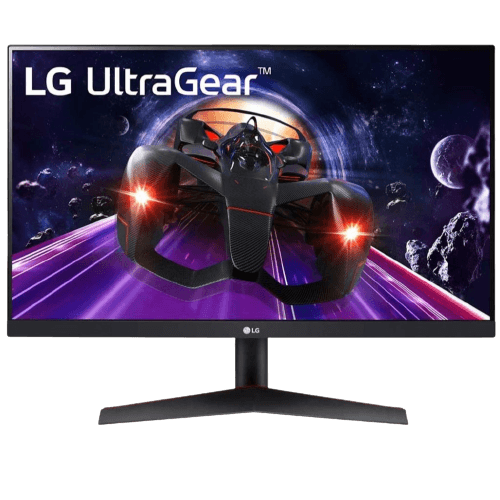
- LG 24-inch 144 Hz monitor: a crisp 1080p IPS screen for high frame rates.
- ASUS TUF 1440p monitor: a 27-inch, 170 Hz screen for sharper detail.
RTX 5060 Ti FAQ
Is the RTX 5060 Ti good for 1440p?
The 16GB version is good for 1440p at high settings in most games, with DLSS for the heaviest titles.
Is the 8GB RTX 5060 Ti worth buying?
Only for esports and lighter games. For new AAA titles, choose 16GB.
What power supply does it need?
A quality 650 W power supply is enough, with some headroom for upgrades.
Should you buy an RTX 5060 Ti?
The RTX 5060 Ti 16GB is one of the best value cards for 1080p and 1440p gaming, with low power use and modern features. Order our ready-to-ship PC with it today, browse prebuilt gaming PCs, or contact us for advice.